MD2Word – Markdown to Word Converter
Type: Software Status: MVP Tech Stack: Python, markdown-it-py, python-docx, Pillow, tkinter, Mermaid CLI (mmdc), PlantUML, Graphviz, Docker, PyInstaller Problem Statement Developers and technical writers often write documentation in Markdown, while clients and stakeholders expect a Word document. Simple converters carry the text across but leave embedded diagrams (Mermaid, PlantUML, Graphviz) as source code and produce

THE IDEA
MD2Word – Markdown to Word Converter
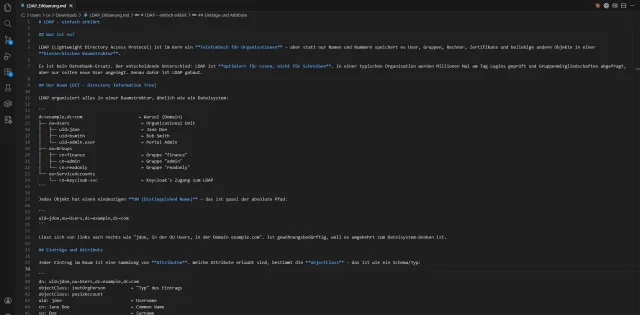
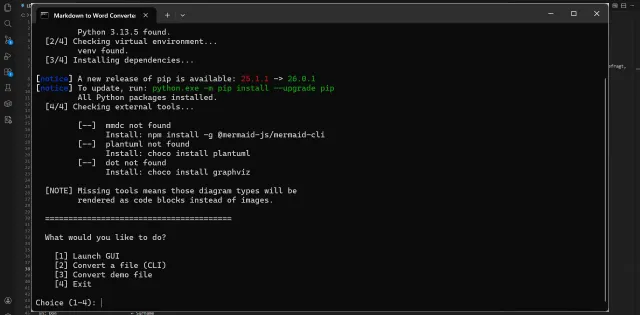
Type: Software Status: MVP Tech Stack: Python, markdown-it-py, python-docx, Pillow, tkinter, Mermaid CLI (mmdc), PlantUML, Graphviz, Docker, PyInstaller Problem Statement Developers and technical writers often write documentation in Markdown, while clients and stakeholders expect a Word document. Simple converters carry the text across but leave embedded diagrams (Mermaid, PlantUML, Graphviz) as source code and produce little in the way of an appealing layout. What is needed is a locally run tool that turns Markdown, diagrams included, into a neatly formatted .docx that can be passed on. Description MD2Word converts Markdown files into professionally formatted Word documents (.docx). The text is parsed into a token stream with markdown-it-py and turned into a fully styled document via python-docx — including direct OOXML manipulation for shading, borders and the colour scheme — with headings H1–H6, zebra-striped tables, code blocks, block quotes, nested lists and embedded images. Diagram code blocks (Mermaid, PlantUML, Graphviz/DOT) are rendered to PNG graphics by external CLI tools and embedded; if a tool is missing, the block appears as code. The tool can be used from the command line, through a tkinter GUI with a progress display, via Docker (with all diagram tools preinstalled) and as a standalone Windows EXE. Known limitations: links are only styled visually rather than made clickable, table cells lose inline formatting and HTML is stripped; there are no automated tests, and the code has not changed since February 2026. Use Case Turn a Markdown file with text, tables and diagrams into a neatly formatted Word document at the click of a button or with a single command, ready to hand on to clients or colleagues. Link: https://github.com/rawk7000/markdown_to_word (public repo)
Impressions

KEEP EXPLORING
More discoveries
Three more pieces from the archive.
 PROJEKTE
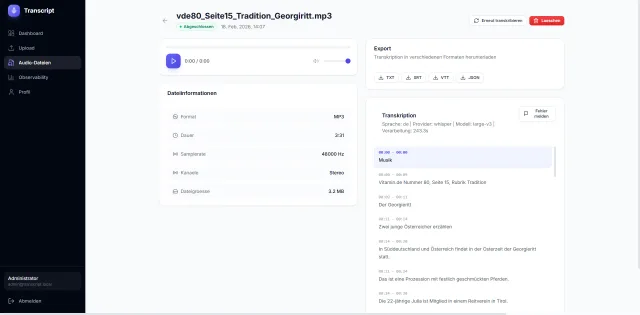
Transcript – Audio Transcription App with Speaker Diarization
Type: Software Status: POC Tech Stack: Python, FastAPI, SQLAlchemy (async), Celery 5, Redis 7, PostgreSQL 16, faster-whisper/WhisperX/OpenAI Whisper, PyTorch (CUDA 12.6)...
↗ PROJEKTE
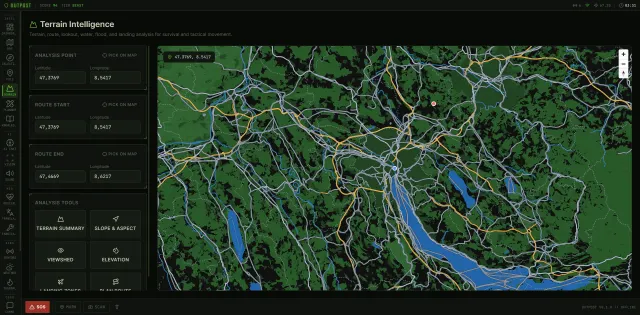
OUTPOST Tactical – Offline AI Field Intelligence
Type: Software Status: Beta Tech Stack: Python, FastAPI, Uvicorn, Ollama (local LLM/vision inference), LanceDB (RAG), SQLite, rasterio/shapely/pyproj, custom PMTiles read...
↗ PROJEKTE
diff_dirs – Recursive Directory Comparison
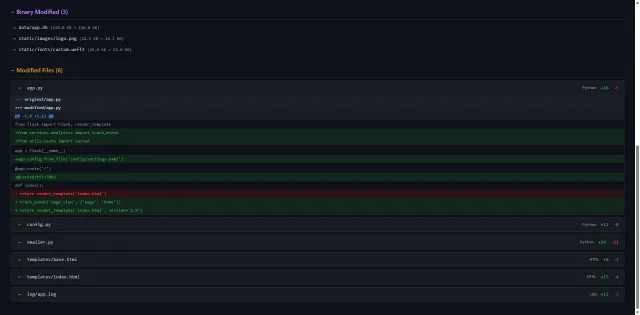
Type: Software Status: Production Tech Stack: Python 3.8+, PyYAML, difflib, hashlib, HTML/CSS/JavaScript (generated report) Problem Statement Not every project state live...
↗SEND A SIGNAL
LET’S MAKE
SOMETHING
monstrous.
An idea beyond safe waters?
For extraordinary collaborations, consulting and workshops: send a signal.